


























Adobe Says Photoshop and Premiere Run Up to 2x Faster on NVIDIA RTX Spark: What Creators Should Know
Speed claims are easy to make and hard to check, and Adobe’s newest one is a big number: “up to 2x faster.” In mid-October 2026, Adobe and NVIDIA announced that Photoshop, Premiere, and Substance 3D have been rebuilt to run on NVIDIA’s new RTX Spark chip, with faster AI tasks, editing, color work, and effects.
If you edit photos or video for a living, that sounds like good news. But the details matter: the speed-up applies to specific hardware, the baseline for the comparison has not been published, and parts of the rollout are still in beta. This article explains what was announced, what is likely to change in your workflow, and what to check before buying a new PC.
What Was Announced
According to Engadget, Adobe announced on October 15, 2026 that it had “rearchitected” Photoshop, Premiere, and Substance 3D to take full advantage of RTX Spark. Red Shark News dates the broader announcement to October 16 and says it expands a partnership between Adobe and NVIDIA that began in March, adding GPU acceleration to Adobe’s cloud video platform, Frame.io.
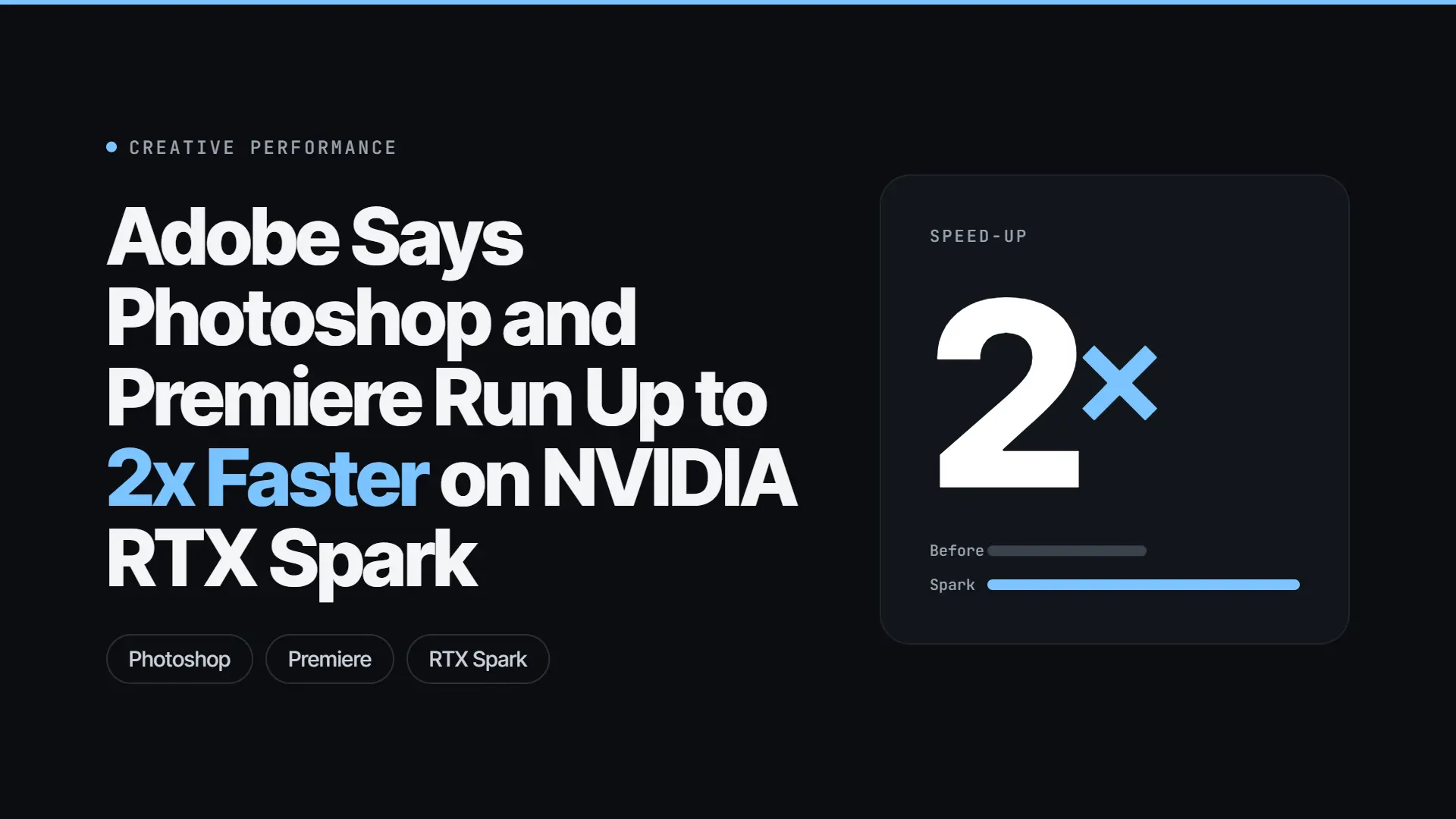
Adobe vice president Deepa Subramaniam said the optimized apps are twice as fast at AI tasks and editing across workflows, per Engadget. Other outlets phrase it as “up to 2x” across AI processing, editing, color, and effects. That “up to” matters, and we come back to it below.
What Is RTX Spark?
RTX Spark is NVIDIA’s new system-on-chip for Windows laptops and small desktops. It is designed to run AI tasks locally on the device, instead of sending them to a cloud server. Engadget notes it is aimed at a broad audience, including creatives and novice developers, and not only at enterprise users, unlike NVIDIA’s DGX Spark.
T-Break reports the launch partners as ASUS, Dell, HP, Lenovo, Microsoft Surface, and MSI, and says RTX Spark laptops went on sale on October 16. Red Shark News says the chip began shipping earlier in the month and names the ASUS ProArt P16 and P14 as example machines. The two accounts differ slightly on timing, so check the retailer’s listing for your exact model.
The key point for creators: the 2x claim applies to RTX Spark machines. Other Windows PCs should not expect the same improvement.
What Gets Faster, App by App
Photoshop. Photoshop was rebuilt around GPU-accelerated compositing, according to Red Shark News. That should make complex edits more responsive. Effects such as Light Leaks and Gaussian Blur, and tools like the Remove tool, are reported to preview in real time instead of after a short wait.
Premiere. Premiere gets the broadest changes. Playback, rendering, effects, and color grading are accelerated, and so are AI tools, including Enhance Speech and Object Mask, per Red Shark News and T-Break. If you cut interviews, tutorials, or social videos, these are the features you probably use most.
Substance 3D Painter. Heavy texturing steps should run faster, including baking high-resolution mesh maps and opening or saving large projects. Engadget notes that no numbers were given for Substance, and T-Break says its update is “coming soon.”
Frame.io. Adobe’s cloud review platform now uses NVIDIA hardware for video decoding and for AI-related preprocessing. Red Shark News reports early results on selected workloads of roughly 5x faster embedding generation, 4 to 5 times better 95th-percentile processing latency, and about 80% smaller search proxies. These figures are labeled early and cover only selected workflows.
How to Read the “2x” Claim
A claim like “up to 2x faster” can be true and still tell you little. Here is what we do not know:
- The baseline. Engadget says Adobe did not name the hardware the new numbers are compared against. Twice as fast as a four-year-old laptop and twice as fast as last year’s flagship are very different statements.
- The tasks. The figure covers “AI tasks and editing,” but the specific tests have not been published.
- The method. No benchmark methodology has been released.
- Independent testing. None of the outlets I checked report third-party benchmarks yet.
- Per-feature numbers. Engadget notes that Premiere and Substance gains are described qualitatively. Only Frame.io has specific, though early, figures.
This does not mean the claim is false. It means it is a vendor figure, and the real gain will vary by project, resolution, effects, and the hardware you are upgrading from.
Availability: Not Everything Is Ready Yet
The sources describe a staged rollout, and they do not fully agree:
- T-Break says the Photoshop and Premiere AI optimizations are in beta and require users to opt in, and that Substance 3D updates are coming soon.
- Red Shark News says the updates begin rolling out later this year, with no firm dates.
- Engadget does not give availability, requirements, or pricing.
In practice, that means you should not expect the full speed-up on day one. Check Adobe’s release notes for your version and watch for the beta opt-in.
Should You Buy an RTX Spark PC?
This depends on your current setup and your work.
Consider waiting if your current machine handles your projects well, you do not hit AI-feature delays often, or you rely on plug-ins that may not be tested on the new platform. Independent benchmarks should arrive in the coming weeks, and early reviews will show whether the gain is closer to 2x or closer to 1.2x on real projects.
Consider buying if your current computer is several years old, you already planned to upgrade, and you use AI-heavy features daily, such as speech enhancement, object masking, or generative fills. In that case, an RTX Spark laptop is worth shortlisting, as long as the price is right.
Be cautious if you work on macOS, because these gains are tied to a Windows chip platform. And because the sources do not give pricing or regional availability, check local listings from the launch partners before you plan a purchase.
What This Means for the Wider AI Tools Market
The announcement fits a pattern: more AI work is moving from the cloud to the device. Local processing can mean faster previews, less waiting on servers, and fewer upload steps for large files. It can also mean that AI features become hardware-dependent, with the best performance reserved for newer machines.
For creators, the practical takeaway is to treat AI speed as part of a workflow, not just a feature. A faster Remove tool does not help if your bottleneck is exporting, client review, or finding the right clip. That is where cloud tools like Frame.io come in, and where the GPU-accelerated search and transcode gains could matter.
If you are comparing AI creative tools more broadly, see our guides to the best AI video generators right now and how to create professional AI images and videos.
How to Get Faster AI Results on Any Computer Today
Not everyone will buy new hardware this year. If you stay on your current PC or Mac, these habits can still cut waiting time:
- Work on proxies. In Premiere, edit with lower-resolution proxy files and render at full quality only at the end.
- Batch your AI steps. Run speech enhancement, masking, and noise reduction in one pass instead of repeating them clip by clip.
- Close heavy background apps. Browsers with many tabs compete with your editor for memory.
- Use fast storage. Keep active projects and cache files on a fast internal or external SSD.
- Update drivers and software. Check Adobe’s release notes before each major project, because performance fixes often arrive quietly.
- Plan the cloud step. For review and sharing, a platform like Frame.io can save time that no local speed-up will recover.
Questions to Ask Before You Trust a Speed Claim
Whenever a company says a tool is “up to” a certain multiple faster, run through four questions:
- Faster than what? A claim without a baseline is a marketing line, not a measurement.
- On which task? A big gain on one feature may not change the rest of your day.
- Who tested it? Vendor figures are a starting point. Independent benchmarks are the check.
- What does it cost? A 2x gain that needs a new computer should be weighed against the price of the computer.
Applying these questions will serve you well with every AI product launch, not only this one.
A Short Checklist Before You Upgrade
- Identify your bottleneck. Time your slowest tasks on your current machine: exports, AI tools, or previews.
- Wait for independent benchmarks. Look for tests on projects similar to yours, not demo files.
- Check software compatibility. Confirm your plug-ins, codecs, and Adobe version are supported.
- Compare prices. Newer chips often carry a launch premium.
- Check the beta status. If the features you want are opt-in beta, factor in the risk of bugs.
- Keep your old machine in the first weeks. If something breaks, you still have a working setup.
Frequently Asked Questions
Are Photoshop and Premiere faster on every PC now? No. The 2x claim applies to RTX Spark machines. Other PCs should not expect the same gain.
Is the 2x claim independently verified? Not yet, according to the outlets I checked. It comes from Adobe and NVIDIA, with no published baseline or methodology.
Does Frame.io benefit too? Adobe reports early gains in selected Frame.io workloads, including about 5x faster embedding generation, but these are vendor figures and cover only some workflows.
Do I need to pay extra for the faster Photoshop or Premiere? The sources I checked do not mention pricing for the optimized builds. Check Adobe’s pages for your plan.
Will Mac users get the same speed-up? The announcement is about a Windows-oriented chip platform, so the gains do not apply to Mac hardware.
When will it be available to everyone? Reports say the updates roll out later this year, with some features in opt-in beta. No firm dates have been given.
The Bottom Line
Adobe and NVIDIA have announced a real hardware-software change, and the potential benefit for creators who use AI features every day is large. But the headline “up to 2x” comes without a baseline, without independent tests, and with parts of the rollout still in beta. If you are happy with your current PC, waiting for benchmarks costs you nothing. If you are already shopping for a new machine, RTX Spark laptops are worth a look, as long as you check which features are live in your version of the apps.
Sources
- Engadget: Adobe rebuilt Photoshop and Premiere for NVIDIA’s RTX Spark platform
- Red Shark News: Adobe claims 2x speed increases, adds Frame.io
- T-Break: Photoshop and Premiere get RTX Spark builds
- CineD: Adobe rearchitects Photoshop and Premiere for NVIDIA RTX Spark (headline only; article text could not be read)